
Choose from our wide selection of ONLINE templates to create the perfect flyer DESIGN for any occasion!
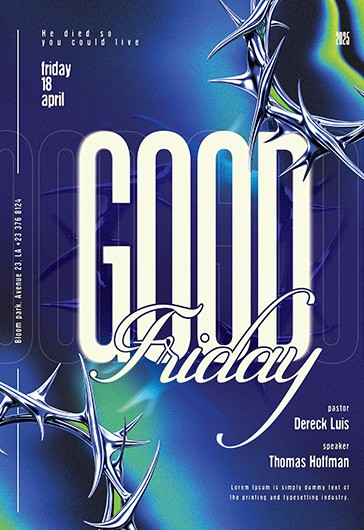
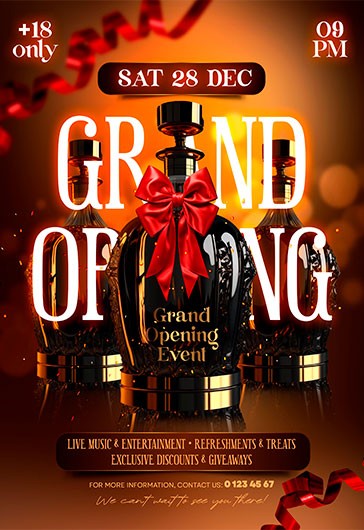
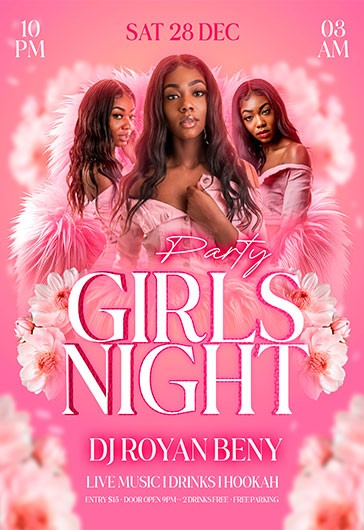
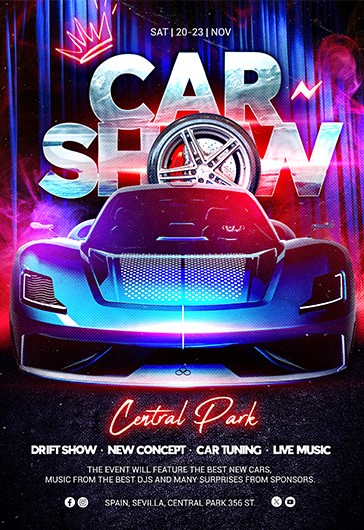

How to make a flyer ONLINE
See what people are saying about ELEGANTFLYER


Marketing materials made easy
We’ve developed a convenient online editor that lets you customize our flyer templates directly in your browser. No need to download extra software or have professional design skills — it’s simple, intuitive, and efficient.
What can you do?
- Easily edit text and photos on templates right in the browser, tailoring them to your event or brand.
- Use our free Background Remover to erase photo backgrounds with ease. Add your images seamlessly into flyers — a cutting-edge feature that’s completely free!
- Download your flyer in your preferred format (JPEG, PNG, and more).
- Publish directly to popular social media platforms like Instagram, Facebook, and Twitter.
Why choose us?
- A vast collection of flyer templates for parties, events, birthdays, and more — stylish and professional designs.
- Our flyers are created by an in-house team of experienced designers, who follow the latest trends and have years of expertise in this field, making our templates some of the best on the internet.
- We’re gradually adapting all our PSD templates for use in the online editor. For now, try our first ready-to-use designs available both in PSD and online.
Start creating your unique designs now — it’s quick, easy, and free!
FAQ (Frequently Asked Questions)
1. What is your online flyer editor?
Our online flyer editor is a browser-based tool that allows you to customize flyer templates without needing any additional software or professional design skills.
2. Is the editor free to use?
Yes, our editor is absolutely free to use. You can edit templates, remove backgrounds, and download your flyers without any charges.
3. What file formats can I download my flyers in?
You can download your flyers in popular formats like JPEG and PNG.
4. Can I edit the templates if I don't have any design experience?
Absolutely! The editor is designed to be user-friendly, so you can easily change text, add photos, and customize layouts without prior design knowledge.
5. What is the Background Remover, and how does it work?
The Background Remover is a free tool integrated into our editor that lets you erase the background of any image. This makes it easy to add clean, professional-looking photos to your flyers.
6. Are all templates available in both PSD and the online editor?
Not yet. We're gradually adapting all our PSD templates to work in the online editor. Currently, we have a selection of templates available in both formats for you to try.
7. Can I publish my flyer directly to social media?
Yes, you can publish your flyers directly to platforms like Instagram, Facebook, and Twitter from the editor.
8. Do you offer templates for specific types of events?
Yes, we have a wide variety of templates for parties, birthdays, corporate events, and more. Our collection is constantly growing!
9. Who creates your flyer templates?
Our templates are designed by a professional in-house team of experienced designers who follow the latest trends and have years of expertise.
10. Do I need to create an account to use the editor?
No, you can start using the editor right away without creating an account. However, registering may unlock additional features in the future.
If you have more questions, feel free to reach out — we’re here to help!
You can create your flyers based on our ready-made PSD designs and templates since 2017. And now, thanks to this online flyer maker, you can do it for free and without subscriptions to Photoshop or additional software! Use this tool in your browser to create personalized flyers based on our templates for free (even premium options are available via the editor).
To get started right now, just:
- 1. Select one of our designs and make sure that it is already available in the flyer maker (there should be an Edit Online Free button).
- 2. Click on the button to open the flyer in the editor.
- 3. Change the title, date, and other elements online.
- 4. Download the finished flyer and use it in digital format or after printing.
Now, you can create unique flyers for any event without special skills or professional software!
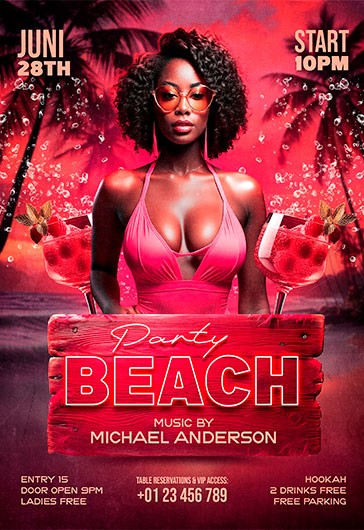
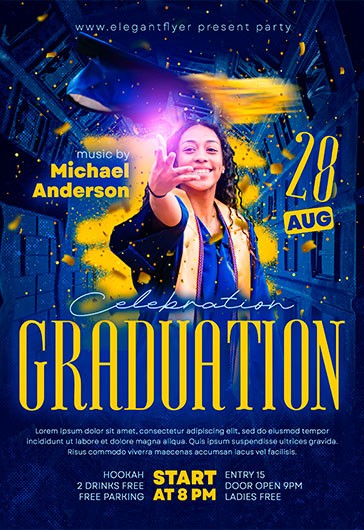
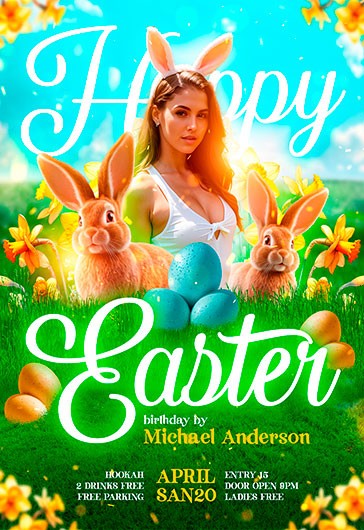
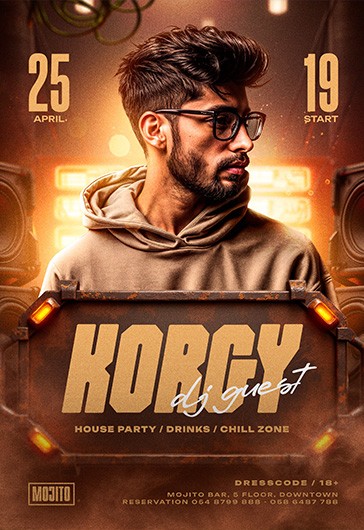
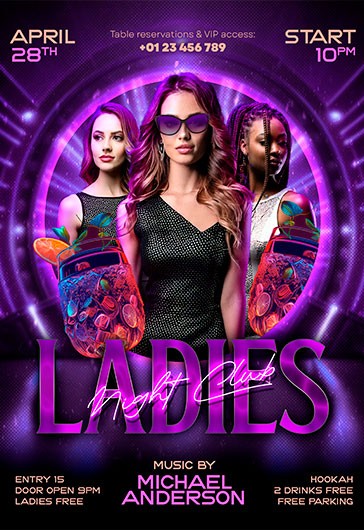
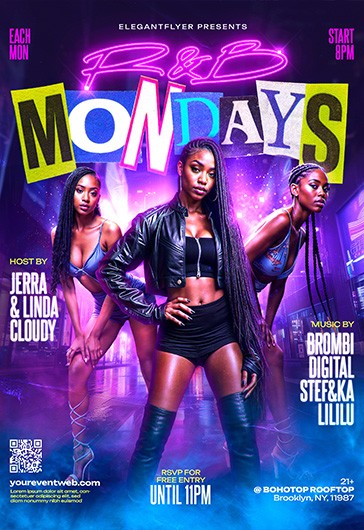
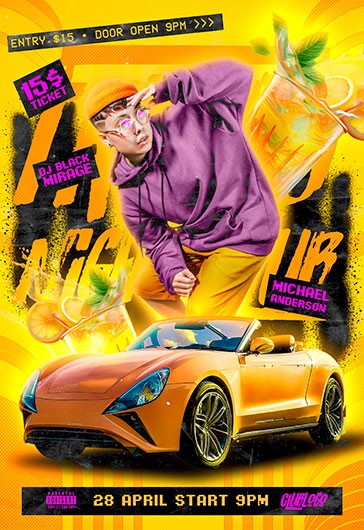
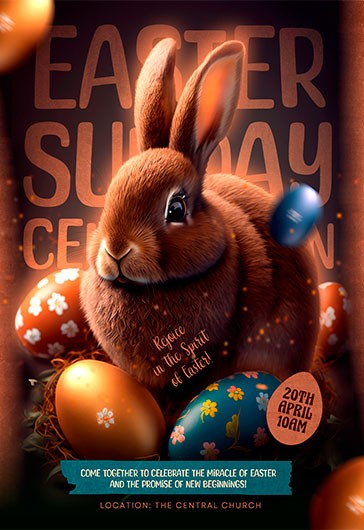
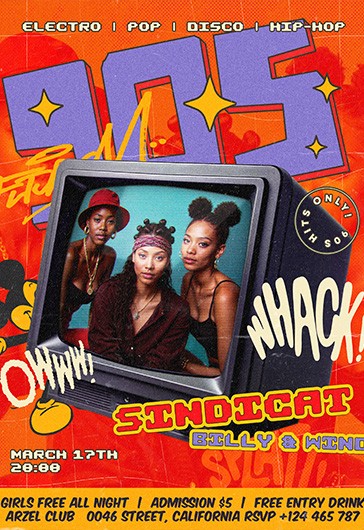
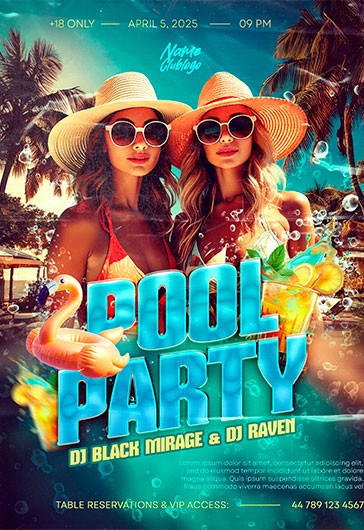
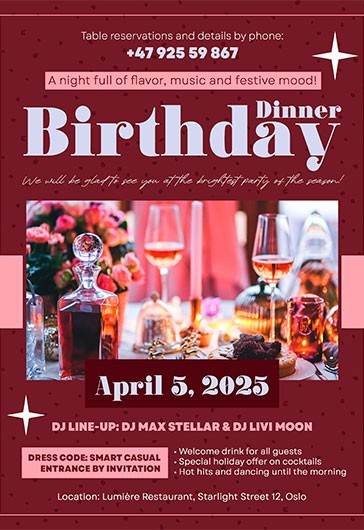
Our free online tool can be used to create party flyers easily. You can find Birthday, Pool, Ladies Night, and more ready-made templates to customize via our editor. Each design can be personalized online without the need for additional software.
Just include a new event name, date, time, and location, personalize the text and illustrations based on our ready-made bright colors and fun fonts, and add a QR code or links to RSVP, ticket sales, or a social media page if desired. After downloading, you can post a flyer on your social media and website or print it.